

Discover effective strategies for enhancing your iPhone's battery performance without the need for costly replacements.
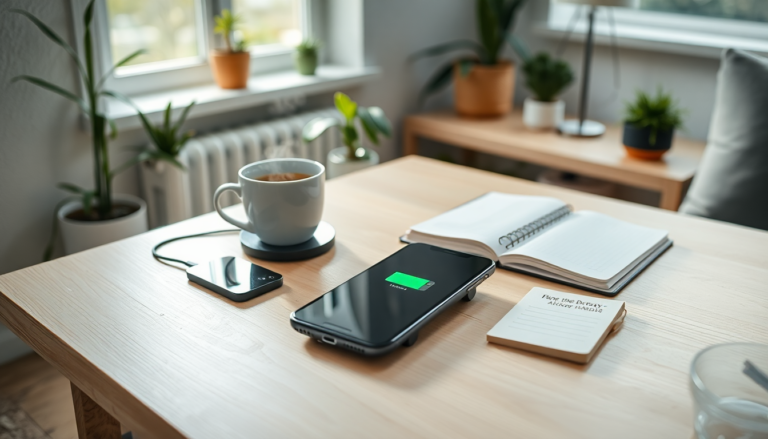
Are you an iPhone user? If so, you might be unknowingly shortening your device’s battery life with a couple of everyday habits. While each new iPhone model boasts improved battery longevity, you don’t have to spring for a replacement every time your battery starts running low.
By understanding how to manage your battery health, you can enjoy longer-lasting performance.
Why Battery Management Matters
Every iPhone comes with a specific battery life, telling you how much charge it can hold before needing a top-up. Over time, that capacity naturally diminishes due to wear and tear.
But here’s the good news: you can adopt strategies to slow down battery degradation. One major habit worth reconsidering is charging your device overnight.
Charging overnight may seem like a no-brainer, but it can actually be harmful. The sweet spot for battery health lies between 20% and 80%.
If you consistently charge your phone to 100%, it can speed up wear and tear, ultimately shortening your battery’s lifespan.
Luckily, if you’re using an iPhone with iOS 13 or later, you can take advantage of the **Optimized Battery Charging** feature. This smart function pauses charging at 80%, resuming just before you typically wake up, helping your battery stay healthier for longer. To enable this game-changing feature, just head to Settings, tap Battery, then Battery Health, and turn on Optimized Battery Charging.
Debunking Common Myths
Another common myth is that force-closing apps from the home screen boosts performance. Sounds familiar, right? However, this is a bit misleading. According to Apple, you should only close apps if they’re unresponsive. The iPhone’s operating system is built to handle background apps efficiently, and force-closing them can actually put more strain on your device when you reopen them.
Every time you launch a new app, the system has to allocate resources, which can add extra pressure on the battery and other components. Instead of constantly closing apps, let your iPhone manage them in the background for optimal performance.
Extra Tips for Keeping Your Battery Healthy
In addition to these strategies, there are a few more practices that can significantly improve your battery health. Regularly updating your iPhone’s software ensures you benefit from the latest optimizations and enhancements that Apple rolls out. Keeping your device updated not only boosts performance but also includes features specifically designed for better battery management.
Adjusting your screen brightness and taking advantage of features like Auto-Brightness can have a big impact on battery life. A bright screen can drain power faster than you might think, so it’s smart to keep it at a comfortable yet efficient level. Plus, activating **Low Power Mode** during critical moments can extend your battery life when you need it the most.
To wrap it up, iPhone users can significantly enhance their device’s battery life by adopting mindful charging habits and steering clear of common misconceptions about app management. By leveraging built-in features and making small adjustments, you can prolong your battery’s performance and reduce the need for those pesky premature replacements.
