

Gen-Z can enhance their smart glasses privacy by switching on these critical settings
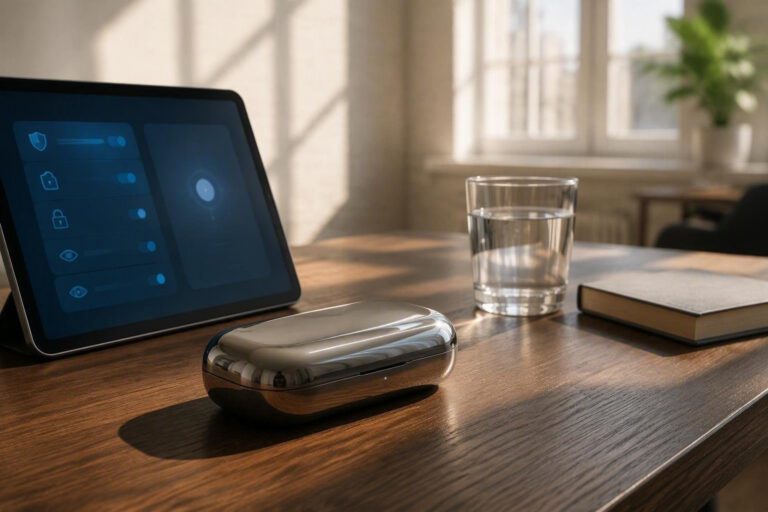
Smart glasses have become increasingly popular among Gen-Z, offering a convenient and stylish way to stay connected and capture memories. However, with the rise of smart glasses, concerns about privacy have also grown. To address these concerns, it is essential to understand the importance of privacy settings and how to adjust them to protect personal data.
One of the most critical settings to change is the camera settings. By default, many smart glasses have the camera set to always-on, which can be a significant privacy risk. To change this setting, users can go to the settings menu and select the camera option.
From there, they can choose to turn off the camera or set it to only turn on when the glasses are in use.
Microphone settings
In addition to camera settings, microphone settings are also crucial for maintaining privacy. Some smart glasses have the microphone set to always-on, which can allow others to listen in on conversations.
To change this setting, users can go to the settings menu and select the microphone option. From there, they can choose to turn off the microphone or set it to only turn on when the glasses are in use.
Cloud backups
Cloud backups are another critical aspect of smart glasses privacy. By default, many smart glasses automatically backup data to the cloud, which can include sensitive information such as photos and videos. To change this setting, users can go to the settings menu and select the cloud backup option. From there, they can choose to turn off cloud backups or set them to only occur when the glasses are connected to a secure network.
Geotags
Geotags are also an essential aspect of smart glasses privacy. Geotags can reveal the location of the user, which can be a significant privacy risk. To change this setting, users can go to the settings menu and select the geotag option. From there, they can choose to turn off geotags or set them to only include the city or state, rather than the exact location.
Consent and anti-harassment etiquette
In addition to changing these settings, it is also essential to understand the importance of consent and anti-harassment etiquette when using smart glasses in public spaces. Users should always ask for permission before taking photos or videos of others, and should be mindful of their surroundings to avoid accidentally capturing sensitive information.
Quick-toggle template and platform-specific menus
To make it easier to change these settings, many smart glasses manufacturers offer a quick-toggle template that allows users to quickly switch between different settings. Additionally, some manufacturers offer platform-specific menus that provide more detailed options for customizing privacy settings. By taking the time to understand these settings and adjust them accordingly, Gen-Z can enjoy the benefits of smart glasses while maintaining their privacy and security.
